
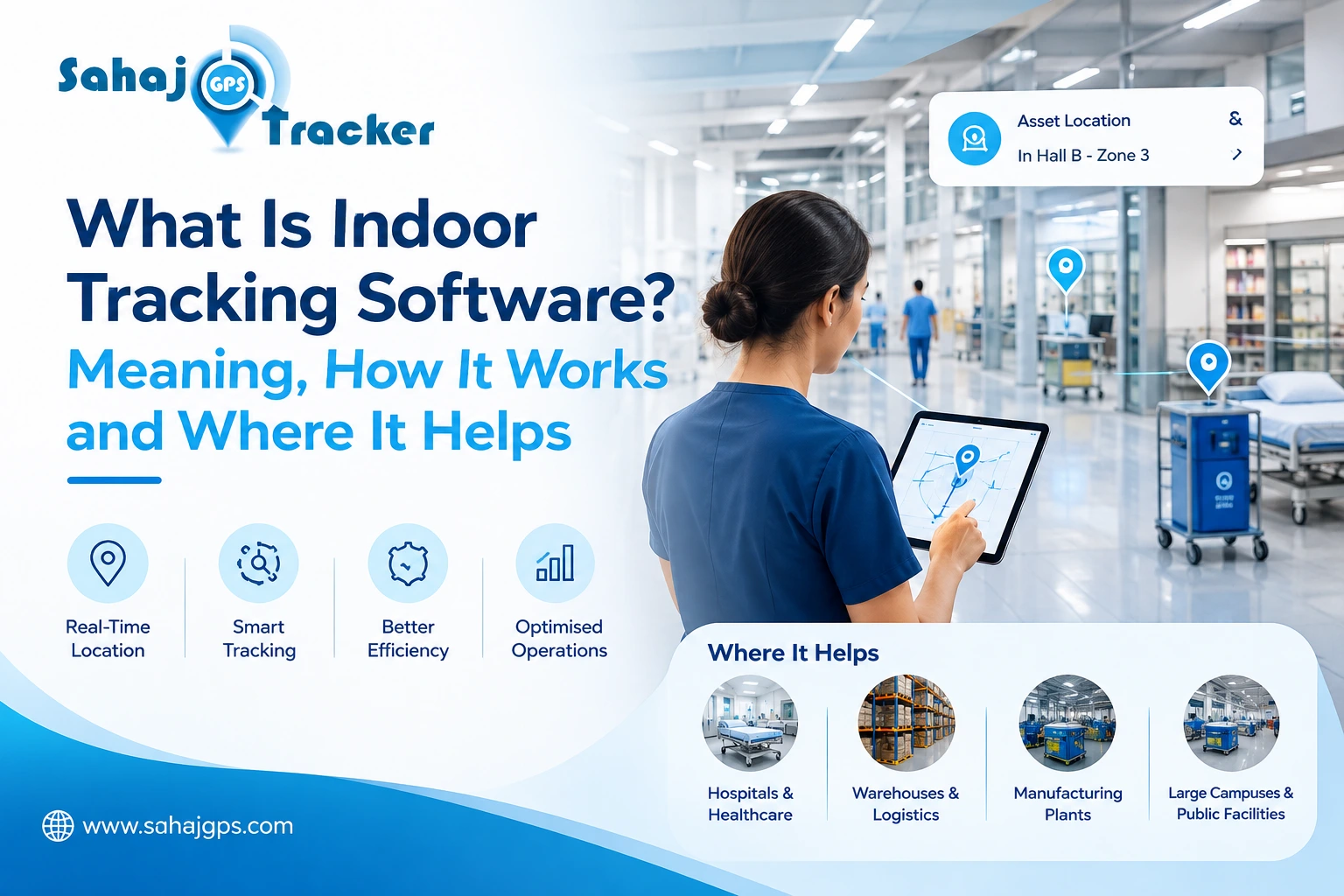
Walk into a busy warehouse and ask where a particular forklift, pallet or scanner is right now. You will probably get a shrug, a phone call or a ten-minute search. Indoor tracking software is built to end that guessing game by showing exactly where things are, inside the building, as they move.
This guide explains what it is, how it works, which technology fits which job, and what to check before you invest.
What is indoor tracking software?
Indoor tracking software is a system that shows the live location of assets, inventory and workers inside a building. It exists because GPS struggles indoors. Roofs, concrete walls and metal racking block or weaken satellite signals, so the position you get is either wrong or missing.
Instead of satellites, indoor systems use short-range technologies such as:
- Bluetooth Low Energy (BLE)
- RFID (Radio Frequency Identification)
- Ultra-Wideband (UWB)
- Wi-Fi positioning
The software collects the signals from these devices and draws a live digital map of your floor. Managers can see where everything is at any moment, without walking the aisles to find out.
GPS still matters outside the four walls. If you also manage vehicles or staff on the road, a field employee tracking system covers the outdoor side while indoor tracking covers the inside.
How does indoor tracking software work?
Every setup has two layers that work together.
1. The hardware layer
- Tags attached to assets, pallets, tools or worker badges
- Sensors, gateways or receivers placed around the building to pick up tag signals
2. The software layer
- Converts raw signals into a position
- Shows movement on a floor plan or dashboard
- Stores history so you can review past movement
- Sends alerts when something enters or leaves a defined zone
In simple terms: a tag broadcasts, sensors listen, and the software works out where the tag is and shows it to you. Positions refresh continuously, so the map stays current even in a large building.
Which technology should you choose?
No single technology suits every site. The right one depends on how precise you need to be and how much you want to spend. The figures below are typical ranges; real accuracy depends on your layout, metal in the environment and where sensors are placed.
| Technology | Typical accuracy | Best for | Cost level |
|---|---|---|---|
| UWB | Centimetre to sub-metre | High-value assets, forklifts, tight or complex spaces | Higher |
| BLE | Around 1 to 3 metres | Staff and general asset tracking | Medium |
| RFID | Zone or checkpoint level | Pallets and inventory moving through gates and aisles | Lower |
| Wi-Fi | Around 3 to 5 metres | Basic tracking over an existing network | Lower |
Many sites mix two technologies, for example RFID at dock doors and BLE on the floor. For a deeper comparison, read our guide to indoor positioning technology: BLE vs Wi-Fi vs GPS.
Why do warehouses need indoor tracking software?
Most warehouses share the same few headaches:
- Lost or misplaced items
- Time wasted searching for equipment
- Manual errors in stock counting
- Forklifts and people sharing the same aisles
Indoor tracking software tackles these directly by replacing guesswork with real-time visibility.
How indoor tracking changes day-to-day operations
Real-time asset visibility
Instead of asking around, staff look up the item on a screen and walk straight to it. Searches that used to take minutes can come down to seconds.
Faster picking and better workflow
Movement data shows where workers wait, double back or take long routes. Fixing those routes usually speeds up picking without adding people.
Safer floors
Zone alerts can warn when someone enters a restricted area or when a forklift is close to pedestrians. Forklift and pedestrian interaction is one of the best-known risks in warehouses, so early warnings matter.
Better inventory accuracy
When items move, their recorded location updates automatically. That means fewer counting errors and better order accuracy.
Smarter use of space
Heatmaps show crowded aisles and rarely used corners, which helps you rearrange storage zones around how people actually move.
Automatic records
Every movement is logged, so reporting and audits no longer depend on handwritten logs.
Indoor tracking vs traditional warehouse management
| Feature | Traditional approach | Indoor tracking software |
|---|---|---|
| Asset visibility | Limited, depends on people | Real-time |
| Inventory updates | Manual | Automatic |
| Error rate | Higher | Lower |
| Worker movement data | Not available | Available |
| Safety alerts | None | Zone-based alerts |
It is not only for warehouses
The same idea works anywhere people and equipment move around indoors:
- Factories: find tools, materials and equipment faster and reduce idle time
- Hospitals: locate movable equipment and keep restricted areas secure
- Retail stores: understand customer and staff traffic patterns to plan layouts
- Corporate offices: manage access zones and make better use of space
Tracking people: do it openly
Tracking workers is more sensitive than tracking pallets. A few habits keep it fair and trusted:
- Tell staff what is tracked, why, and where
- Use zones and safety alerts rather than watching individuals minute by minute
- Limit who can view location data with role-based access
- Check the data protection and labour rules that apply to you before rollout
Challenges to plan for
- Setup cost: hardware and installation are the main upfront spend
- Installation effort: sensors need to be placed carefully, and a site survey helps
- Training: teams need to know how to use the dashboard and alerts
- Choosing the right technology: over-buying precision wastes money, under-buying causes disappointment
A small pilot in one zone is the easiest way to manage all four.
How to get started
- Name the problem. Lost equipment, slow picking, safety incidents or inventory errors?
- Decide the accuracy you need. Zone-level is enough for pallets; forklifts may need more.
- Survey the site. Layout, metal racking and Wi-Fi coverage affect results.
- Run a pilot. Start with one area and measure search time and errors before and after.
- Scale up. Add zones, users and reports once the pilot proves its value.
For a closer look at one use case, see how indoor tracking helps warehouses cut lost equipment. If you want the broader overview of use cases across industries, our complete guide to indoor tracking software goes further.
Who should use indoor tracking software?
- Large warehouses
- E-commerce fulfilment centres
- Manufacturing units
- Logistics companies
- Cold storage facilities
- Hospitals and other facilities with movable equipment
Any operation where inventory, tools or people move constantly can benefit.
Frequently asked questions
1. What is indoor tracking software used for? It tracks the real-time location of assets, inventory and workers inside buildings where GPS does not work well.
2. What is the difference between indoor tracking and GPS tracking? GPS relies on satellites and works best outdoors. Indoor tracking uses local tags and sensors (BLE, RFID, UWB or Wi-Fi), so it works inside buildings, though it needs hardware installed on site.
3. Which technology is most accurate for indoor tracking? Ultra-Wideband (UWB) is generally the most accurate, often down to centimetre level, but it also costs more than other options.
4. Can small warehouses use indoor tracking software? Yes. Smaller sites can start with RFID, BLE or Wi-Fi-based tracking at a lower cost and expand later.
5. Does indoor tracking software improve safety? It can. Zone alerts can flag restricted-area entry or nearby forklifts so teams can act before an accident happens.
6. Is indoor tracking software expensive? Cost depends on the technology, the size of the space and the number of tags. RFID and Wi-Fi setups are usually more affordable than UWB. A pilot zone helps you estimate full cost.
7. How does it help with inventory management? It updates the location of items automatically as they move, which reduces manual counting errors and speeds up stock checks.
8. Do workers need to be told they are being tracked? Being transparent is best practice, and some rules require it. Explain what is tracked and why, and check the laws that apply to your location.
Summary
Indoor tracking software gives you a live view of what is happening inside your building. It cuts search time, improves safety and keeps inventory accurate, and as operations get more complex it is becoming a practical need rather than a luxury.
Want to see it on your own floor plan? Explore Sahaj GPS indoor tracking software or book a demo with our team.