
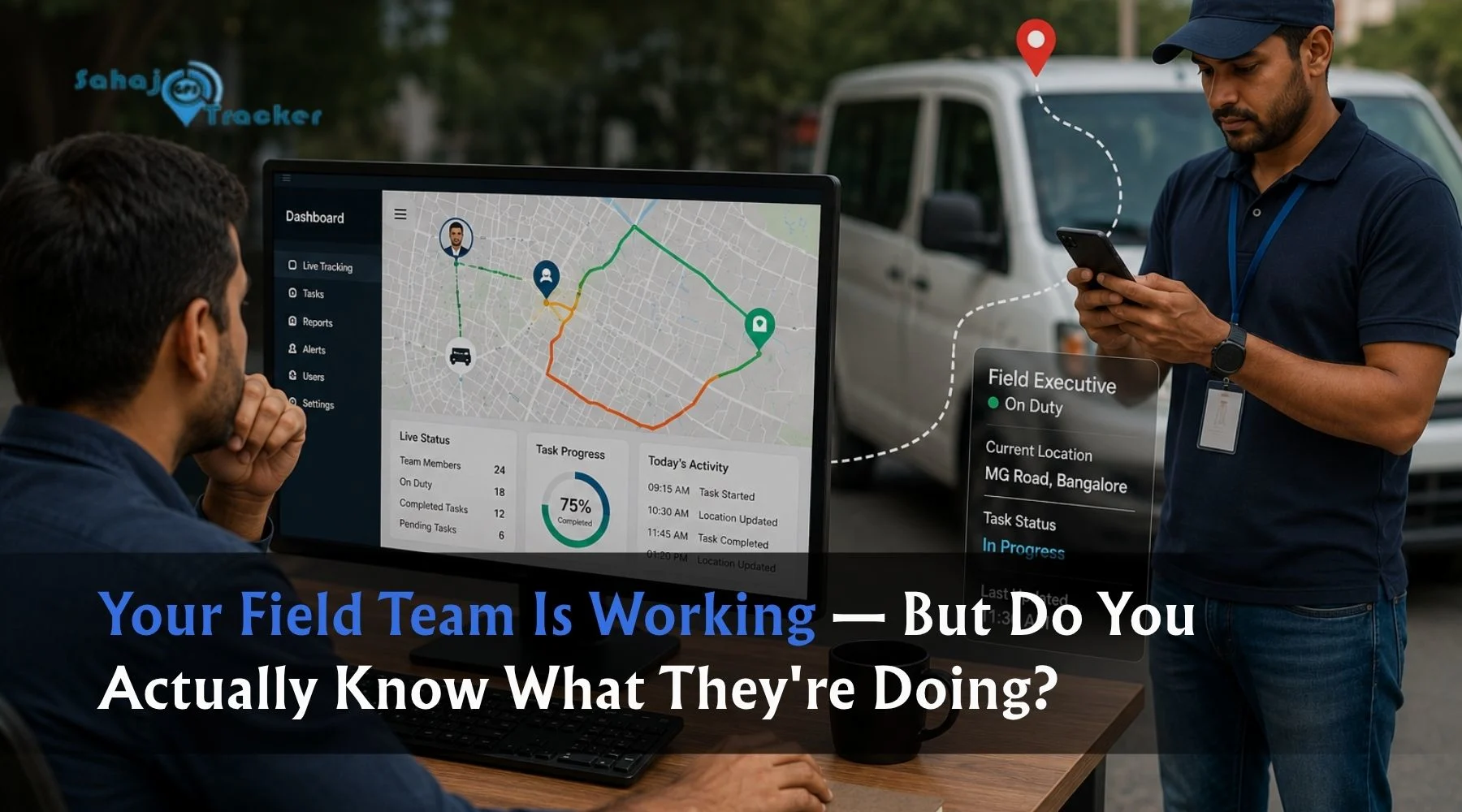
Field employee tracking software helps businesses monitor employee locations, attendance, task progress, and client visits in real time. It improves accountability, simplifies daily operations, reduces manual coordination, and provides managers with accurate data to make faster business decisions.
Many businesses invest heavily in hiring skilled field employees, expanding service areas, and improving customer experience. However, one challenge often remains unchanged—maintaining visibility over day-to-day field operations. When employees spend most of their working hours outside the office, understanding how work is progressing becomes increasingly difficult without the right tools.
Phone calls, spreadsheets, and messaging apps may provide occasional updates, but they rarely offer a complete picture of employee activities. As organisations grow, this lack of visibility can affect productivity, customer satisfaction, and operational efficiency. Modern field employee tracking software addresses these challenges by providing accurate, real-time information that helps businesses manage field teams more effectively.
Why Traditional Field Team Management Creates Challenges
Managing field staff manually may work for a small team, but as operations expand, coordination becomes increasingly complicated. Managers often spend a significant amount of time following up with employees, confirming visits, checking attendance, and preparing reports.
Without real-time information, businesses may experience:
- Delayed client visits
- Missed service appointments
- Unverified attendance
- Inaccurate expense claims
- Poor task visibility
- Slow decision-making
These issues usually develop gradually, making them difficult to identify until operational performance begins to decline.
Understanding Field Employee Tracking Software
Field employee tracking software is a digital platform that combines GPS technology, attendance management, task tracking, reporting, and communication into one central system. It enables businesses to monitor field activities while simplifying everyday operations for both employees and managers.
Instead of collecting updates manually throughout the day, managers receive live operational data through an easy-to-use dashboard. Employees can also complete their daily work more efficiently by accessing assigned tasks, submitting reports, updating visit status, and recording attendance from a single mobile application.
Real-Time Location Visibility
One of the most valuable features of a modern tracking platform is live GPS monitoring. Managers can view employee locations throughout the day without interrupting their work through repeated phone calls.
Real-time location tracking helps organisations:
- Monitor employee movement
- Improve route planning
- Allocate urgent tasks faster
- Respond quickly to customer requests
- Improve field team coordination
Greater visibility allows managers to make informed operational decisions based on actual field activity rather than assumptions.
Location-Based Attendance Management
Attendance management becomes far more reliable when combined with GPS verification. Instead of relying on manual check-ins, employees can mark attendance only after reaching their assigned work location.
Location-based attendance helps businesses:
- Prevent proxy attendance
- Improve workforce discipline
- Maintain accurate attendance records
- Reduce manual verification
- Simplify payroll processing
This creates a transparent attendance process for both employees and management.
Better Task Assignment and Monitoring
Managing multiple field employees becomes easier when tasks are assigned digitally. Managers can distribute work instantly while monitoring progress throughout the day.
A structured task management system allows businesses to:
- Assign work orders
- Set deadlines
- Define priorities
- Track completion status
- Monitor pending activities
This reduces communication delays while improving overall productivity.
Digital Proof of Client Visits
For businesses operating in sales, service, healthcare, inspections, or maintenance, verifying client visits is often essential. Field employee tracking software enables staff to submit digital proof immediately after completing a visit.
Visit verification may include:
- GPS location
- Time stamp
- Photographs
- Customer signatures
- Digital forms
These records improve accountability while reducing misunderstandings between customers, employees, and managers.
Simplified Expense Management
Expense reimbursement often involves manual paperwork, delayed approvals, and incomplete records. A digital tracking platform simplifies this process by allowing employees to upload expenses directly from the field.
Managers can review:
- Fuel expenses
- Travel costs
- Daily allowances
- Client-related expenses
- Supporting receipts
Digital expense management improves transparency while reducing administrative effort.
Automated Reporting Saves Valuable Time
Preparing daily reports manually can consume several hours every week. Managers often collect updates from multiple employees, verify attendance records, and compare completed tasks before creating performance summaries.
Field employee tracking software automates this entire process by generating reports based on live operational data.
Businesses can access reports for:
- Daily attendance
- Client visits
- Completed and pending tasks
- Distance travelled
- Time spent at customer locations
- Expense submissions
- Employee productivity
With accurate reports available instantly, managers spend less time compiling information and more time improving team performance.
Which Businesses Benefit the Most?
Although almost every organisation with field staff can benefit from employee tracking software, some industries experience faster improvements because of their operational requirements.
It is commonly used by:
- Sales and marketing teams
- Field service providers
- Healthcare and pharmaceutical companies
- Logistics businesses
- Delivery companies
- Construction firms
- Survey and inspection agencies
- Utility service providers
For organisations managing employees across multiple locations, real-time visibility significantly improves coordination and operational efficiency.
Stronger Accountability Across the Team
Clear visibility into field activities encourages greater accountability without creating unnecessary supervision. Employees understand their assigned tasks, managers can monitor progress, and completed work is supported by accurate records.
This creates a transparent work environment where performance is measured through actual field activity instead of assumptions.
Better accountability also helps organisations:
- Improve client service
- Reduce missed appointments
- Increase task completion rates
- Build stronger operational discipline
- Improve overall workforce productivity
Better Decisions Through Accurate Data
Business decisions become more effective when they are based on reliable information. Instead of relying on manual updates or delayed reports, managers receive live operational insights throughout the day.
Access to accurate data helps businesses:
- Allocate resources efficiently
- Improve scheduling
- Optimise employee routes
- Identify operational bottlenecks
- Monitor workload distribution
Over time, these insights contribute to more efficient operations and improved business performance.
Features That Make a Difference
Modern field employee tracking software offers several integrated features that simplify day-to-day management.
Important capabilities include:
- Live GPS tracking
- Geo-fenced attendance
- Task assignment
- Digital visit verification
- Expense management
- Route history
- Performance analytics
- Automated reporting
- Leave management
- Emergency SOS alerts
Instead of using separate applications for each function, businesses can manage field operations through one unified platform.
Why More Businesses Are Adopting Digital Field Management
As businesses expand into new locations and customer expectations continue to increase, manual coordination becomes increasingly difficult. Digital field management platforms provide greater operational control while reducing administrative effort.
Rather than spending hours collecting updates, managers can monitor operations from a single dashboard and respond quickly whenever issues arise.
This allows organisations to focus more on customer service, productivity, and long-term business growth.
How Sahaj GPS Simplifies Field Operations
Managing field teams requires accurate information and reliable communication. Sahaj GPS provides an integrated field employee tracking solution that combines live GPS tracking, attendance management, task monitoring, digital expense management, visit verification, and automated reporting within a single platform.
The solution helps organisations improve workforce visibility, streamline field operations, reduce manual processes, and make faster business decisions using real-time information. Whether managing a small sales team or a large field workforce, Sahaj GPS provides the operational visibility needed to improve efficiency and accountability.
Final Thoughts
Managing field employees becomes significantly easier when accurate operational information is available throughout the working day. Instead of relying on manual updates, businesses can monitor attendance, tasks, client visits, and employee movement through one central platform.
A modern field employee tracking software solution improves transparency, strengthens accountability, and helps managers make informed decisions based on real-time data. As organisations continue expanding their field operations, adopting digital workforce management tools has become an important step toward improving productivity and delivering better customer service.
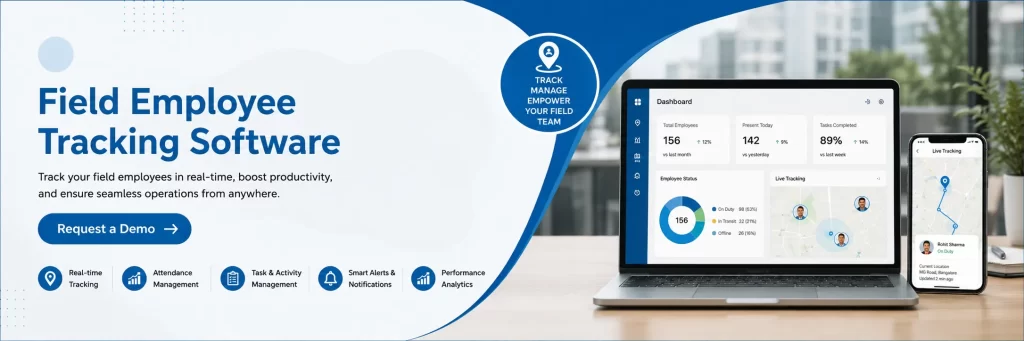
Frequently Asked Questions
What is field employee tracking software?
Field employee tracking software is a digital solution that helps businesses monitor employee location, attendance, task progress, client visits, and overall field activities using GPS technology and cloud-based reporting.
Can field employees use the software without an internet connection?
Many modern solutions support offline functionality. Information is stored securely on the device and automatically synchronised once internet connectivity becomes available.
How does field tracking improve productivity?
It reduces manual coordination, improves task visibility, streamlines attendance management, and provides managers with accurate operational insights that help improve workforce efficiency.
Is field employee tracking suitable for small businesses?
Yes. Businesses of every size can use tracking software to improve employee management, reduce administrative work, and strengthen operational control.
Why choose Sahaj GPS?
Sahaj GPS offers real-time employee tracking, location-based attendance, digital task management, automated reporting, expense management, and performance monitoring, helping businesses manage field teams more efficiently while improving productivity and accountability.