
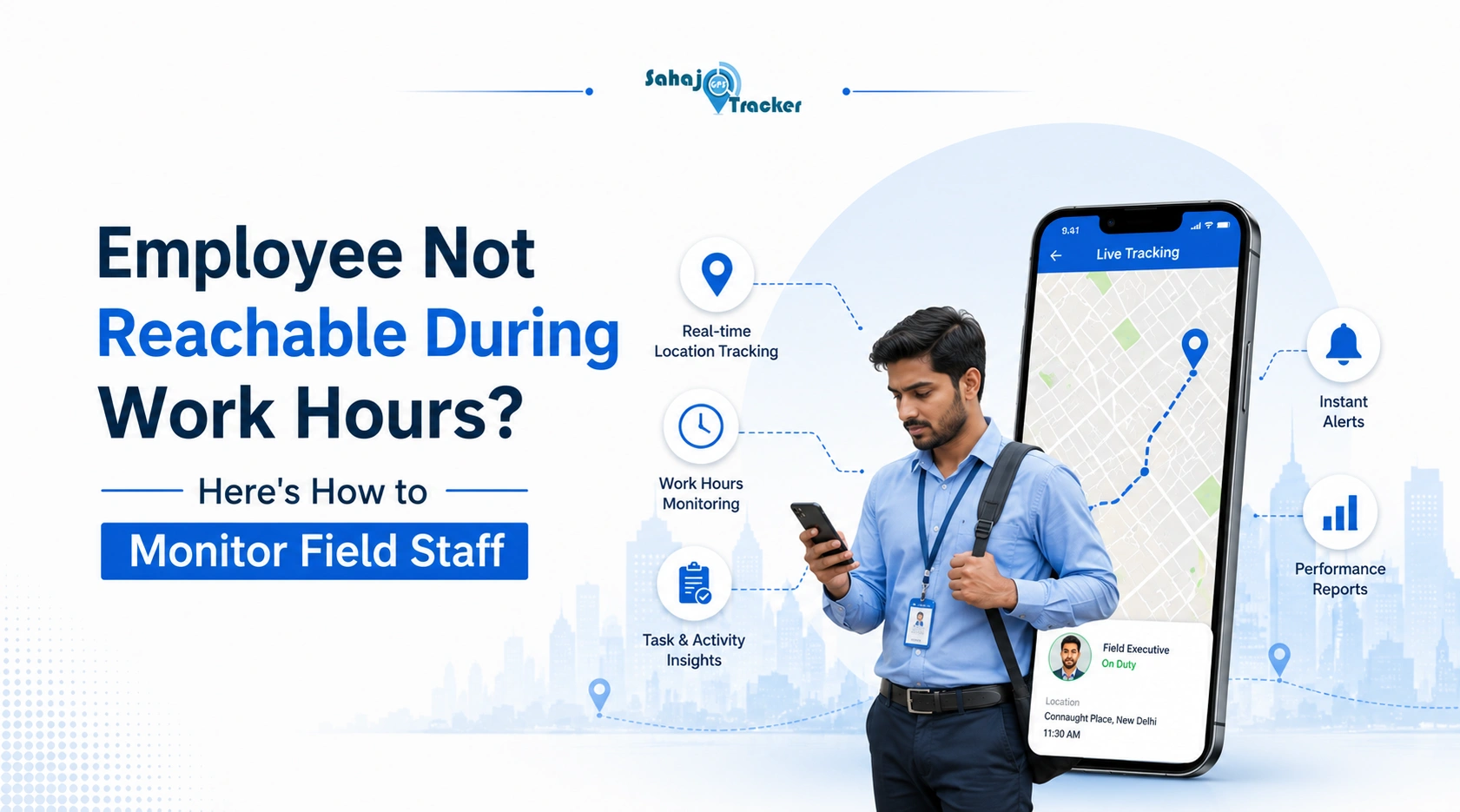
You call at 11:30 AM. No answer. You call again at 12. Still nothing. WhatsApp message – seen but ignored for two hours. By the time your field employee calls back, they have a reasonable-sounding explanation, you have no way to verify it, and the rest of your afternoon is already irritated.
If this sounds familiar, you’re not alone – and the frustrating part is that field employee tracking software exists specifically to remove this exact dynamic from the manager-employee relationship.
Not by turning every manager into a surveillance officer. But by replacing the phone call with data that’s already there.
Why Field Employees Go Unreachable During Work Hours
Before jumping to conclusions – and genuinely, this is worth saying – going off-radar isn’t always dishonest. Sometimes it is. But a lot of the time it’s a systems problem, not a character problem.
Field staff working in sales, service, or delivery spend most of their day moving between client locations, in meetings, on calls with customers, or in areas with poor connectivity. Expecting them to pick up every manager call immediately isn’t realistic – and managers who assume unanswered calls mean the employee is sitting at home are sometimes wrong.
The problem is that without a proper Live Employee Tracking system, managers have no way to tell the difference between a genuinely busy employee and one who’s not working at all. That uncertainty is what creates the frustration. And that frustration is what pushes managers toward the kind of constant phone-calling that actually damages the working relationship over time.
It’s Not Always What You Think – But Sometimes It Is
Here’s the honest version. Some field staff do misuse the freedom of unsupervised work. Longer lunch breaks that nobody notices. Visiting fewer clients than reported. Marking a visit done before actually being at the location. It happens. Not everywhere, not with everyone – but it happens enough that managers have legitimate reasons to want better visibility.
The solution to both the legitimate unreachability and the actual misuse is the same: real-time location data attached to verified activity. Not more phone calls.
What Managers Actually Need: A Live Employee Tracking System That Works
The instinct when an employee is unreachable is to call more, or message more, or to follow up aggressively at the end of the day. None of these solve the problem – they just add friction to a relationship that probably already has some.
A Live Employee Tracking system replaces that friction with information. Instead of wondering where your field rep is at 11:30 AM, you open a dashboard and see. They’re at a client location in Andheri. They’ve been there 22 minutes. They’ll likely be free in another 10-15 minutes.
You don’t call. You don’t message. You just know. And your field rep doesn’t get interrupted in the middle of a client conversation by a manager who’s anxious.
That’s actually better for both sides.
– GPS provides this through a real-time dashboard that shows every field employee’s current location, movement history since morning, and time spent at each location – updated continuously, accessible from a phone or computer. The dashboard doesn’t require any action from the field employee once they’ve started their day. The system just runs.
Field Employee Tracking Software: Features That Actually Make a Difference
Geo-Fencing for Field Teams: Automatic Visit Confirmation
Geo-Fencing for Field Teams is probably the single most useful feature for managers dealing with the unreachable employee problem. Here’s how it works in practice.
You set up a virtual boundary around each client location – their office address, their site, their store. When a field employee physically enters that boundary, the system automatically logs an entry event with a GPS timestamp. When they leave, another event is logged. No manual check-in needed. No call to confirm they arrived.
At the end of the day, you have a verified record of which client locations were actually visited, when the employee arrived, and how long they stayed. That record doesn’t depend on what the employee reported. It’s based on where their phone’s GPS placed them.
For a pharma sales team where daily visit counts are a performance metric, this changes the whole conversation. You’re not asking “how many clients did you visit today?” – you already know. The conversation becomes about what happened during those visits, which is actually a more useful discussion.
Employee Location Tracking Software for Real-Time Movement Visibility
Employee location tracking software goes beyond visit confirmation into continuous visibility during the working day. Managers can see not just where an employee is now, but where they’ve been since they started work.
This is the feature that usually makes the biggest behavioral difference. When field staff know their movement is being tracked – not in an aggressive way, just as a normal part of how the team operates – the small habits that create the “unreachable” problem often sort themselves out without anyone having to say anything.
The employee who was taking a 90-minute lunch becomes more mindful of time. The one who was running personal errands between client visits adjusts their schedule. Not because they’re scared of being caught, but because the accountability exists and they’re aware of it.
Geo Fencing for Field Staff Management: Setting This Up Properly
Geo fencing for field staff management needs a bit of thought about how it’s configured to be genuinely useful rather than just technically present.
Boundaries that are too small – say, configured to a single GPS coordinate – generate false alerts because GPS has some inherent accuracy variation. A better approach is a 50-100 metre radius around the client’s actual address, which accounts for normal positioning variation while still being specific enough to confirm presence.
Time-at-location thresholds are equally important. A visit that lasted 3 minutes at a client location is probably a failed attempt – nobody answered, or the client was busy. A visit that lasted 18 minutes is a real interaction. – GPS lets managers configure minimum duration thresholds for what counts as a verified visit, so short drive-by appearances don’t get counted as completed calls in the daily report.
– GPS also supports bulk geofence creation from a client address list – upload your customer database and the system generates boundaries around all of them simultaneously. For teams managing 50 or 100 client locations across a city, this is significantly more practical than configuring each one manually.
How to Introduce Monitoring Without Creating a Problem
This comes up every time monitoring is implemented in a field team, and it’s worth addressing directly. The way you introduce tracking matters almost as much as the technology itself.
Teams where monitoring is introduced without explanation – where employees notice the app on their phone is logging their location but nobody told them it would – respond with resistance, resentment, and in some cases deliberate workarounds. That outcome is worse than having no tracking at all.
Teams where tracking is introduced as a productivity support tool – here’s what we’re logging, here’s why, here’s how your own data will be visible to you – respond differently. Most employees accept it. Some actually appreciate knowing their client visits are verified independently, because it protects them from unfair performance assessments based on manager perception rather than actual activity.
– GPS provides an employee-facing app that shows field staff their own location history, visit logs, and productivity scores – the same data their manager sees. That transparency is what makes the difference between monitoring that creates conflict and monitoring that creates accountability.
FAQs
Q1. What does field employee tracking software actually do?
It monitors field employee location, visit duration, and task completion in real time – giving managers accurate visibility without relying on repeated phone calls or self-reported check-in logs from staff.
Q2. How does geo-fencing for field teams work in practice?
Geo-fencing creates virtual boundaries around client locations. When a field employee enters or exits the boundary, the system automatically logs the event – verifying visits without requiring any manual check-in from the employee.
Q3. What does a live employee tracking system show managers?
It shows real-time location, movement history, time spent at each location, and client visit logs – giving managers complete field visibility without calling employees or waiting for end-of-day reports.
Q4. Can employee location tracking software reduce unnecessary manager calls?
Yes. Real-time GPS data tells managers where field staff are and what they’re doing – removing the need for constant check-in calls and reducing the friction those calls create in the working relationship.
Q5. How should I introduce field employee monitoring to my team?
Explain what’s being tracked and why, show employees their own data, and use the information for coaching rather than punishment. Transparent introduction significantly improves adoption and reduces team resistance.