
Introduction
Vehicle tracking has become an important part of transport management in India, especially for public service vehicles that need to meet applicable safety and monitoring requirements. AIS-140 technology helps authorised systems receive vehicle location data, monitor device status, and transmit emergency alerts through an approved backend.
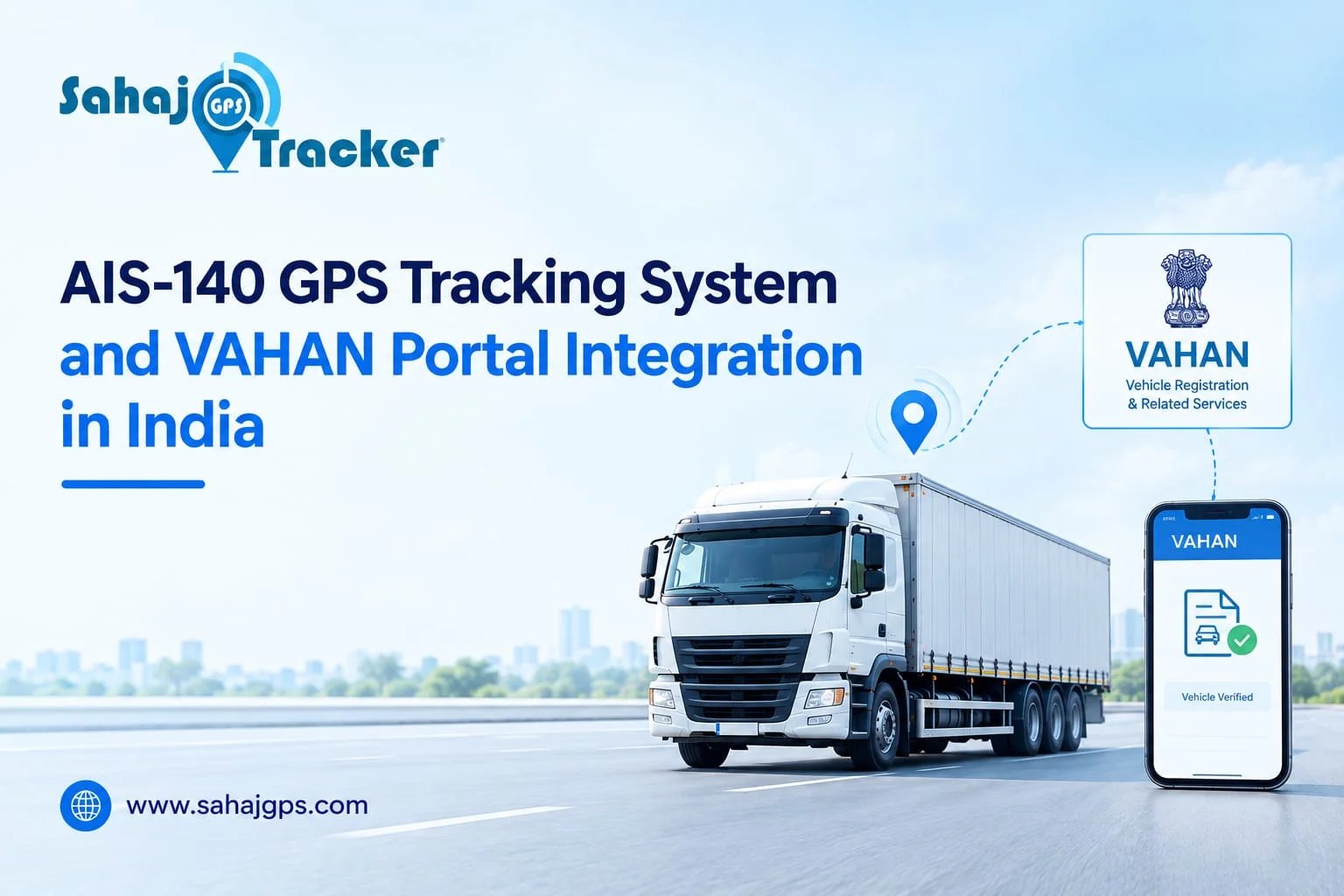
The process of ais 140 GPS vahan parivahan portal integration connects a compatible vehicle location tracking device (VLTD) with the relevant government-authorised backend and vehicle registration system.
This helps authorities verify device activation and maintain the required records. For transport businesses, understanding this connection makes it easier to manage compliance, vehicle visibility, and operational responsibilities.
What Is AIS-140 GPS Integration?
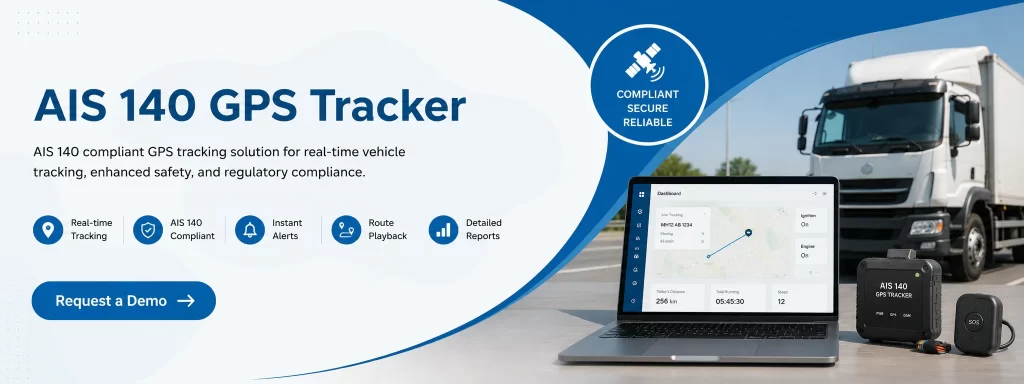
AIS-140 is an automotive industry standard that specifies requirements for vehicle location tracking devices and emergency buttons used in applicable transport vehicles. The system can transmit location information and emergency alerts to an authorised backend over a secure communication channel.
Unlike a basic GPS tracker, an AIS-140-compliant setup must meet applicable technical requirements and work with the designated backend. Device compatibility, certification, installation, and state-specific procedures all matter when completing the integration.
For fleet operators, this technology supports safety monitoring while providing a structured process for registering and activating the tracking device.
How AIS-140 Connects with VAHAN and Parivahan
The Ministry of Road Transport and Highways provides vehicle-related digital services through the Parivahan platform. VAHAN supports vehicle registration and related transport services, while the AIS-140 ecosystem includes backend systems responsible for receiving tracking information and managing device activation.
According to the government’s Vehicle Location Tracking registration and activation procedure, activation details and device health status can be updated in VAHAN through the state AIS-140 backend or an applicable common layer. The exact process depends on the authorised system and relevant state requirements.
Step 1: Installing an AIS-140 Device
A compatible Vehicle Location Tracking Device is installed in the vehicle. Depending on the approved configuration, the setup may also include emergency buttons and communication facilities needed to send information to the backend.
The installer or authorised service provider checks the device identification details, connectivity, and required functions. Correct installation is essential because incomplete configuration can delay activation.
Step 2: Connecting to the Authorised Backend
The tracking device communicates with the designated backend using cellular connectivity and the required communication protocol. It sends location information and applicable status or emergency messages.
The backend receives this information and checks whether the device operates according to the relevant technical requirements. This is where secure communication and compatibility become important.
Step 3: Completing VAHAN Registration and Activation
During the activation process, the relevant authorities or authorised system participants verify the device and its required functions. Once the prescribed checks are completed, activation details and device health information can be recorded in VAHAN or the applicable state registration software.
The government’s procedure also describes how the VLTD fitment certificate can be downloaded from VAHAN after activation details are received. Vehicle registration or fitness processing can then proceed according to the applicable requirements.
Step 4: Maintaining Device Connectivity
Integration does not end when the device is activated. The vehicle owner must ensure that the installed device remains functional and regularly transmits the required data to the relevant state monitoring centre.
Network interruptions, power issues, damaged wiring, or device faults can affect reporting. Regular checks help operators identify problems before they create longer disruptions.
What Is the Role of VAHAN and Parivahan?
The VAHAN portal GPS process should be understood as part of a broader transport administration system, not as a public live-tracking map for every registered vehicle.
Parivahan provides access to vehicle-related services, while VAHAN manages registration-related records and workflows. The AIS-140 backend handles the tracking-device communication and activation information required by the applicable process.
This distinction matters because a government vehicle database and a live tracking platform serve different purposes. Registration records identify vehicles and support administrative services, whereas tracking systems provide location and device-status information to authorised users.
Not every GPS tracker automatically connects to VAHAN. Integration depends on the device, approved backend, state implementation, and required authorisation.
Benefits of AIS-140 Integration for Fleet Operators
Better Vehicle Visibility
A compatible vehicle real time tracking system helps fleet managers view vehicle movement and review journey information. This can improve coordination when vehicles operate across multiple routes or locations.
Emergency Alert Management
AIS-140 systems can transmit emergency requests from configured emergency buttons to the authorised backend. This supports the designated response process, although the actual response depends on connectivity, system availability, and the relevant authorities.
Improved Compliance Records
Maintaining accurate installation, activation, and device-status records makes it easier to follow the applicable procedures. Fleet operators can also organise service records and identify devices that need inspection or repair.
Geo-Fencing and Route Monitoring
Geo-fencing allows managers to define virtual boundaries around locations such as depots, delivery zones, or permitted operating areas. When supported by the tracking platform, alerts can notify users about entry into or exit from these zones.
These operational features are generally provided through fleet management software. They should not be confused with functions automatically available on a government portal.
Fleet Driver Behavior Monitoring
Depending on the installed hardware and software, fleet driver behavior monitoring can identify events such as harsh braking, sudden acceleration, and sharp turns. Reviewing these patterns can help managers plan driver training and encourage safer driving practices.
How Smart Reporting Improves Vehicle Control
Smart reporting for better vehicle control gives transport businesses a clearer picture of daily operations. Reports may include trip history, distance travelled, vehicle utilisation, stoppages, alerts, and device connectivity, depending on the tracking platform.
When these reports are reviewed regularly, managers can identify unusual delays, investigate route deviations, and plan maintenance more effectively. However, the reports generated by commercial fleet software are separate from official VAHAN records unless a specific authorised integration supports the relevant exchange.
Sahaj GPS helps businesses understand vehicle tracking and fleet monitoring requirements while exploring technology suited to their operational needs. Before selecting a solution, operators should confirm whether the required device and backend are approved for the relevant state and vehicle category.
Common Challenges During Parivahan Integration
Several issues can delay activation or interrupt data transmission. These include incompatible devices, incorrect identification details, incomplete installation, poor cellular connectivity, and pending verification.
Operators can reduce these problems by checking device compatibility before installation, keeping vehicle and installation records accurate, and confirming that the authorised backend supports the required state process.
It is also important to distinguish between a device that is physically installed and one that has completed the required activation process. Sahaj GPS can help businesses assess their tracking requirements and understand which operational and compliance checks need attention.
Conclusion
AIS-140 Vahan Parivahan portal integration connects vehicle tracking technology with authorised systems used for device activation and transport administration. The process typically involves device installation, backend communication, required verification, and updating activation information in VAHAN or the applicable state registration system.
One of the key benefits of an AIS-140 GPS device is improved vehicle visibility and emergency alert support. It helps authorised systems receive vehicle location data and emergency signals, supporting better monitoring, faster identification of potential issues, and improved fleet safety. Features such as route monitoring and device health checks can also help operators manage vehicles more effectively.
For transport operators, successful integration depends on using compatible equipment, maintaining connectivity, and following the procedures applicable to their vehicles and state. Sahaj GPS supports businesses looking to improve fleet visibility, monitoring, and day-to-day vehicle control through suitable tracking solutions.
Frequently Asked Questions
1. What is AIS-140 Vahan Parivahan portal integration?
It is the process through which a compatible AIS-140 tracking device communicates with an authorised backend, allowing required activation and device-status details to be recorded in VAHAN or the applicable state system.
2. Does every GPS tracker connect to the VAHAN portal?
No. A standard commercial GPS tracker does not automatically qualify for AIS-140 integration. The device and backend must meet the applicable technical and authorisation requirements.
3. Can VAHAN show a vehicle’s live GPS location?
VAHAN primarily supports vehicle registration and related administrative services. Live tracking is handled by the relevant authorised tracking backend or fleet management platform, depending on access and configuration.
4. Why is an AIS-140 device not getting activated?
Possible reasons include device incompatibility, incomplete installation, communication problems, incorrect details, or pending verification. The operator should contact the authorised installer or relevant state monitoring centre.
5. How does AIS-140 integration help fleet operators?
It supports required tracking and emergency-alert communication, helps maintain activation records, and can complement fleet software for route visibility, Geo-Fencing, and operational reporting.