
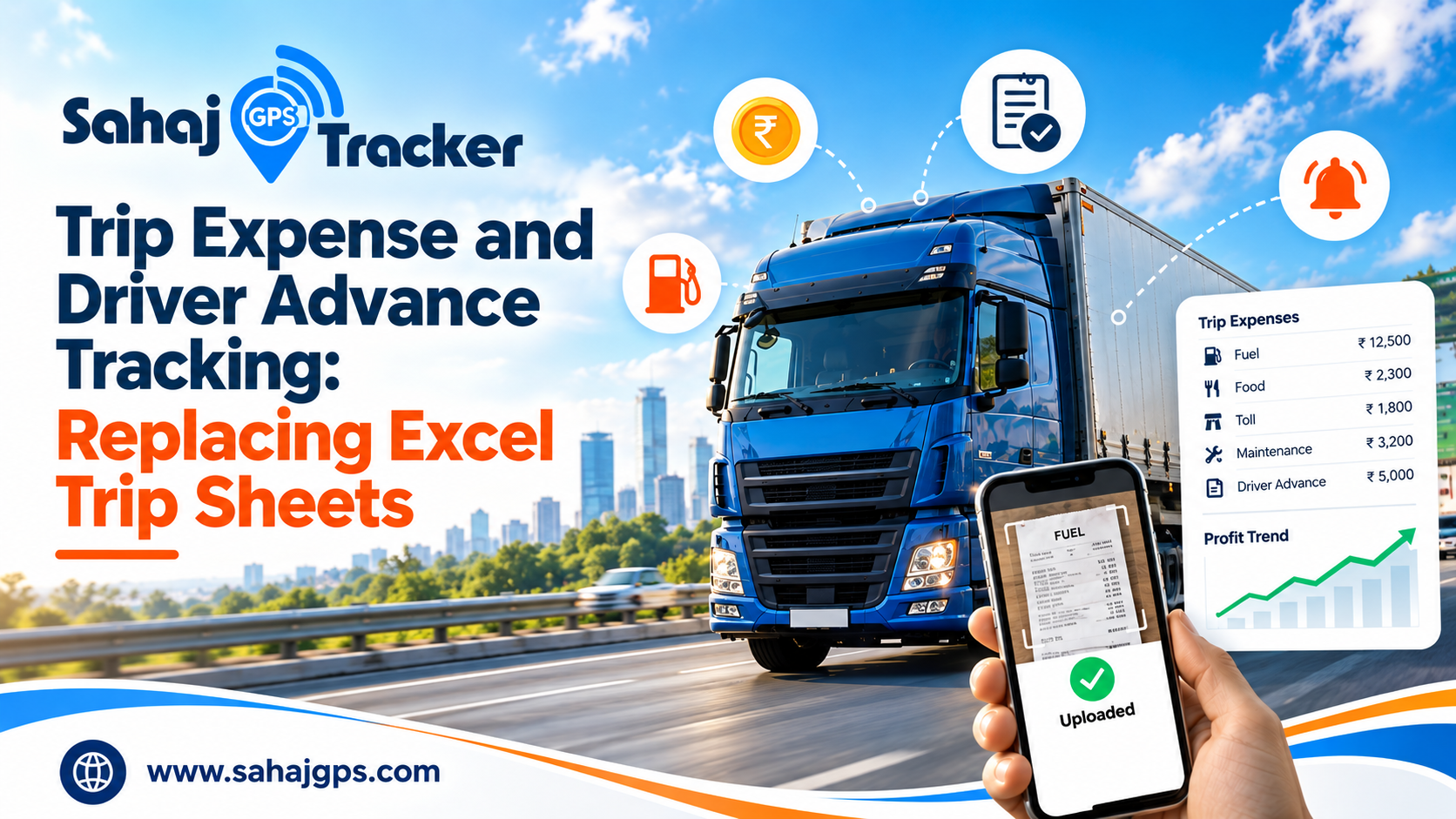
Trip expense tracking sounds like a dull back-office topic, until you sit down with a month of trip sheets and try to work out which truck actually made money. Most transporters have been there. The freight came in, the diesel went out, the driver took an advance, and somewhere between the toll slips and the scribbled notes, the real number got lost.
If your trips are still recorded on paper or in an Excel file that three different people edit, this post is for you. We’ll look at what goes wrong, what you should be recording, and how to move to a digital system without disturbing your whole office.
Why trip sheets stop working
Excel is a great tool. The trouble is that a truck on the highway is not sitting next to your laptop.
Here is how it usually goes. The driver leaves with a cash advance, maybe from the owner, maybe from the munshi. Over the next few days he pays for diesel, tolls, a puncture, some food, and a small “arrangement” at a checkpost. He stuffs the slips into his shirt pocket, and some of them are never seen again. When he gets back, someone in the office tries to make the numbers add up. Often they don’t, and then the real conversation begins: “I gave you 15,000,” “No, it was 12,000.”
None of this means anyone is dishonest. It’s a process problem. When records are built from memory a week later, mistakes and arguments are guaranteed. A few other things make it worse:
- Entries are made days after the trip, so details get forgotten.
- Receipts get lost, torn or wet.
- Nothing proves an entry is genuine. No photo, no time, no location.
- Different people keep different versions of the same file.
- The owner only sees the final figure, never what happened on the way.
What a proper trip record should hold
Many trip sheets track only freight and diesel. That’s not enough to know your profit. A useful record covers:
- The advance given to the driver, with date and amount
- Diesel filled, with litres and amount
- Toll and entry charges
- Driver food and daily allowance
- Loading and unloading charges
- Small repairs, tyre punctures, parking
- Challans and fines
- Freight received and balance pending
Add anything specific to your business, like detention charges or helper costs. The idea is simple: if money left your pocket because of the trip, it should be on the trip.
Handling driver advances without the arguments
Advances cause more disputes than anything else in a transport office, mostly because the numbers live in people’s heads. A clean process fixes most of it, and it’s not complicated:
- Record every advance against a specific trip, with the date and amount.
- Ask the driver to log each expense as it happens, with a photo of the bill.
- At the end of the trip, match expenses against the advance.
- Settle the difference. Either the driver returns cash or you pay him what’s due. Then close the trip.
The photo matters more than people expect. A driver who has to click a bill before moving on will think twice about padding a number, and an honest driver is protected from being doubted. That’s why a system with instant expense upload and categories works better than a notebook. Nobody has to chase receipts on the 30th of the month.
Job and trip management is what ties all of this together. When a trip is created as a job, its advance, expenses and freight all sit in one place. You can open a trip and see exactly what happened, without hunting through three files and a diary.
This also changes how you look at profit. Most owners watch a monthly total, and a monthly total hides a lot. One route might be quietly losing money while another carries the whole fleet. With every trip on its own record, you can compare profit by vehicle, by driver and by route. That’s the point where decisions get easier, like which customer to push for better rates and which route to drop.
Check the diesel, because that’s where the money goes
Sensor-based fuel management matters here because diesel is usually the largest line on any trip sheet, and the easiest to inflate. A driver says he filled 200 litres. Did the tank actually receive 200 litres? On paper, you can’t know. With a fuel sensor, you can see the level go up when a fill happens, and see it drop when it shouldn’t.
Signs a driver is stealing fuel are often visible long before you catch anyone: mileage that keeps falling on the same route, fuel bills that don’t match distance, and unexplained stops. When fuel data sits next to expense data, those patterns stand out quickly.
The hidden cost of staying manual
Manual fleet tracking versus GPS tracking is usually framed as a technology choice, but it’s really a money question. Every unrecorded expense, every disputed advance and every delayed entry has a rupee value. Across 10 or 20 vehicles, over a year, that number is bigger than most owners expect, and it never shows up in a single line because it’s spread across a hundred small leaks.
There’s also the time your staff spends. Fleet management software that cuts admin time takes away the re-typing, the sheet merging and the monthly reconciliation. That time can go to something better, like following up on pending payments or planning return loads.
Moving off Excel, step by step
You don’t need to switch everything overnight. Here is a sensible way to do it:
- Write down every expense head you currently track, then add the ones you’ve been missing.
- Add your vehicles and drivers to the system.
- Run the digital system and Excel side by side for one or two weeks.
- Compare the numbers. When they match, retire the spreadsheet.
Expect a little resistance from drivers in the first week or two. It helps to explain that the system protects them too, because their expenses are recorded and acknowledged. Most drivers are comfortable with a phone, and after a few trips it becomes routine.
Frequently asked questions
1. Is Excel really that bad for trip expenses?
Not for a single truck with a careful owner. But once you have several vehicles, multiple drivers and daily trips, delayed entries and version confusion start costing you money. The problem isn’t Excel itself, it’s that the data gets entered late and with no proof.
2. How do I stop disputes over driver advances?
Record every advance against a trip at the moment it’s given, and have the driver log each expense with a bill photo. At the end of the trip, both sides see the same record. That removes most of the “I gave you more” arguments.
3. Will my drivers be able to use it?
Generally, yes. If a driver can use WhatsApp, he can upload a photo of a bill and pick a category. Give them a short demo on their own phone and a few days of practice.
4. Can I see profit for each trip?
Yes, if freight, advances and expenses are all recorded against the trip. You can then compare profit by trip, vehicle, driver or route, instead of looking at one blended monthly number.
5. Do I need fuel sensors to track expenses?
No. You can start with expense and advance tracking alone. Fuel sensors are a useful next step because diesel is your biggest cost, and sensor data lets you verify fuel claims instead of trusting them.
Conclusion
Trip sheets made sense when a fleet was small and everyone knew everyone. They don’t work when you’re running more vehicles, with more drivers, over longer routes. Late entries, missing slips and cash advances nobody can verify quietly eat into your margin every month.
The fix isn’t complicated. Record advances against trips, capture expenses with a photo when they happen, and check diesel against real fuel data. Once that’s in place, you can see profit per trip and make decisions on facts instead of guesses.
If you’d like to see how your own trips and advances would look in one system, the Sahaj GPS vehicle tracking system brings live tracking, fuel monitoring, job management and expense tracking together. Book a demo and bring a few of your old trip sheets along. It’s the easiest way to see the difference.