
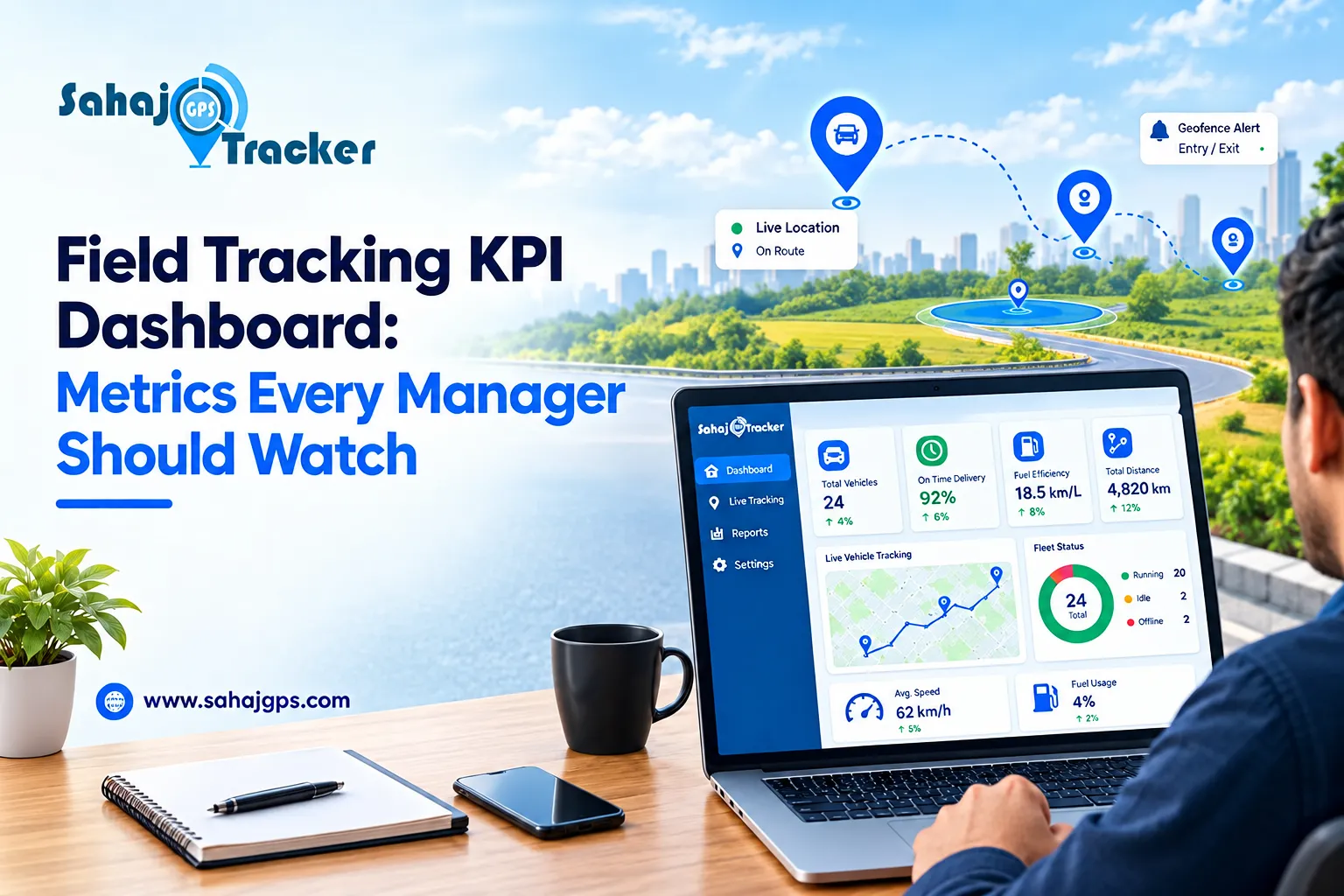
Managing employees who work outside the office is different from managing a team at a fixed workplace. Field sales representatives, service technicians, delivery teams, surveyors, and other mobile employees spend most of their working hours on the move. Because of this, managers need clear and reliable information to understand where the team is working, how efficiently tasks are being completed, and where improvements are needed.
A well-structured field employee tracking software system can bring this information together through a centralized dashboard. Instead of depending only on calls, spreadsheets, or manual reports, managers can use real-time data to monitor important field force KPI and make better operational decisions.
Why KPI Tracking Matters for Field Teams
Key Performance Indicators, or KPIs, help managers measure the actual performance of their field workforce. However, the purpose of KPI tracking should not be simply to watch employees throughout the day. The real objective is to understand productivity, identify delays, manage resources, and improve the overall field operation. A useful dashboard should present information in a way that allows managers to quickly identify what is working and what requires attention.
For example, a manager may want to know how many employees are active, how many assigned visits have been completed, how much travel has taken place, and whether employees are reaching their scheduled locations on time. Sahaj GPS can help businesses organize these different aspects of field operations through location tracking and workforce monitoring capabilities.
Important Field Force KPI Every Manager Should Watch
Not every metric has the same importance for every business. A sales team may focus heavily on visits and productivity, while a service organization may prioritize response time and task completion. Still, several metrics are useful across most field-based operations.
Employee Attendance and Working Hours
Attendance is one of the basic metrics for understanding field workforce availability. Managers can monitor when employees start their workday, their active working duration, and whether scheduled activities are being completed.
Instead of relying entirely on manually submitted attendance reports, location-based information can provide additional context around employee activity. Working-hour data can also help identify operational patterns. If employees regularly spend significant time between assignments, managers can investigate whether travel routes, scheduling, or workload distribution is responsible.
Task and Visit Completion Rate
Task completion is a stronger productivity indicator than simply counting how many hours an employee is active. Managers can compare assigned visits or tasks with completed activities. A low completion rate may indicate unrealistic targets, excessive travel, customer availability problems, or scheduling issues. Tracking this information over several weeks can help managers identify recurring operational challenges rather than reacting to a single day’s performance.
Employee Tracking Dashboard Metrics
A useful employee tracking dashboard metrics setup should make important information easy to understand. Managers should not have to analyze multiple reports every time they want a basic operational update. Important dashboard information can include employee location, active and inactive status, completed assignments, travel activity, visit history, and alerts.
Real-Time Location Visibility
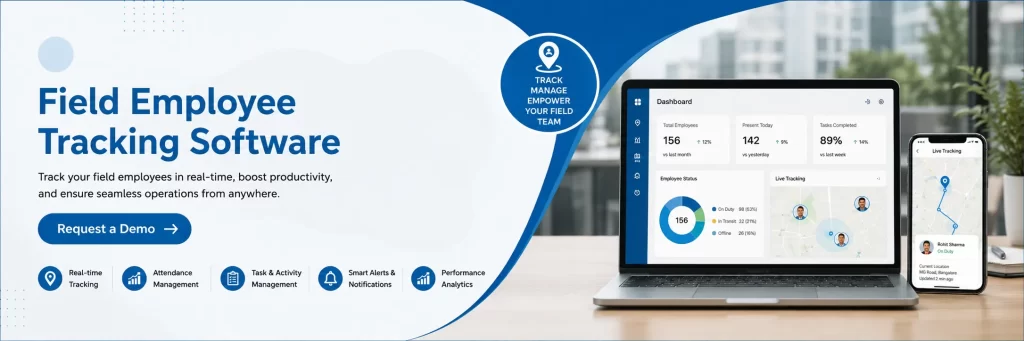
A Live Employee Tracking system gives managers visibility into the current location of field employees. This can be useful when assigning urgent work, checking whether an employee has reached a customer location, or understanding delays. Real-time visibility can also improve coordination between office teams and field employees.
If a new task comes up nearby, managers can make decisions based on the employee’s current location instead of relying on outdated information. The value comes from using location data for operational decisions rather than treating tracking as surveillance alone.
Geo-Fencing and Location-Based Performance
Geographical boundaries can be used to create location-based rules for field teams. Geo-fencing for field staff management allows managers to define specific areas around customer sites, offices, project locations, or other important places.
When an employee enters or leaves a defined area, the system can record the event or generate a notification depending on the configuration. This can help managers verify field visits more efficiently. It may also reduce the need for employees to repeatedly provide manual arrival and departure updates.
Route Efficiency and Travel Time
Travel is often a major part of field operations. Two employees may complete the same number of assignments but spend very different amounts of time travelling.
Tracking travel duration, route patterns, and distance can help managers identify inefficient scheduling. If several employees repeatedly travel long distances for nearby assignments, the problem may be related to planning rather than employee productivity. Managers can then adjust territories, assignment sequences, or daily schedules to reduce unnecessary travel.
Productivity KPI Beyond Simple Attendance
A strong productivity KPI should measure meaningful work rather than just employee presence. Managers can consider metrics such as completed visits, successful task completion, response time, average time spent at assigned locations, and daily assignment completion.
The right combination depends on the role. For example, expecting a service technician to complete the same number of visits as a sales representative may not be realistic because service tasks can require considerably more time. This is why dashboard data should always be interpreted according to the employee’s actual responsibilities. It can help managers bring location and field activity information into a more organized monitoring process, making it easier to compare operational patterns over time.
Employee Safety Metrics Should Also Be Monitored
Productivity should never be the only focus when managing employees who spend their working hours outside the office.
Field employees may work alone, travel through unfamiliar areas, or face unexpected situations during assignments. Safety-related information should therefore have a place on the manager’s dashboard.
SOS Alerts for Field Employee Safety
sos alerts for field employee safety can provide an important emergency communication option for mobile employees. When an employee faces an emergency, an SOS feature can notify the designated management team so that the situation can be addressed quickly.
Managers can also review the employee’s location information alongside the alert, where supported by the tracking system. This can help the response team understand where assistance may be required. It can support organizations that want to include employee safety alongside location monitoring and regular field operations.
Employee Expense Management
Travel-related expenses can become difficult to control when field teams are spread across different locations. Employee expense management can help businesses organize information related to travel and other field expenses.
When expense information is reviewed alongside travel activity, managers can better understand whether spending patterns match actual fieloperations. For example, unusually high travel expenses combined with long travel distances may indicate a scheduling or territory-planning issue.
The goal should not simply be to reduce expenses. Managers should identify unnecessary costs while ensuring that employees have the resources required to complete their work effectively.
Comparing Teams and Identifying Trends
A KPI dashboard becomes more useful when managers look at trends instead of isolated numbers. Weekly and monthly comparisons can show whether productivity is improving, whether travel time is increasing, or whether certain territories consistently require more resources.
Managers can also compare performance across teams or geographical areas when the roles and workloads are reasonably similar. This approach creates a more balanced view of performance and helps management make decisions based on evidence.
How Managers Can Use KPI Data Effectively
Having a dashboard does not automatically improve field operations. The data needs to be converted into practical action. Managers should first identify a small group of KPIs that directly relate to business objectives. They should then establish realistic benchmarks and review the numbers regularly.
If one metric declines, managers should investigate the reason before judging. Low productivity could result from poor scheduling, difficult routes, customer delays, technical problems, or excessive workload. A thoughtful KPI process focuses on finding the cause behind the number.
Conclusion
A field workforce needs more than basic attendance monitoring. Managers need a clear picture of employee activity, task completion, travel efficiency, safety, and operational expenses. A properly configured field employee tracking software solution can bring these areas together through a centralized dashboard.
Metrics such as field force KPI, visit completion, travel time, location activity, geo-fencing events, safety alerts, and employee expense management can help managers understand field performance.
A live employee tracking system can further improve visibility and help managers respond quickly to operational issues. The best dashboard is not the one with the largest number of metrics. It is the one that helps managers understand what is happening in the field and take the right action at the right time.
Frequently Asked Questions
1. What are the most important KPIs for field employees?
Important KPIs can include attendance, completed visits, task completion rate, travel time, response time, location activity, and safety events. The exact metrics should depend on the employee’s role and business objectives.
2. How does a Live Employee Tracking system improve field management?
A Live Employee Tracking system gives managers current location visibility. This can help with task allocation, route planning, visit verification, and responding to urgent requirements without depending entirely on phone calls or manual updates.
3. How can geo-fencing help manage field employees?
geo fencing for field staff management can define virtual boundaries around important locations. Managers can use entry and exit events to understand whether employees reached assigned areas and to automate relevant location-based notifications.
4. Why are SOS alerts important for field teams?
sos alerts for field employee safety provide an emergency communication mechanism for employees working away from the office. When an emergency occurs, the designated team can be notified so that appropriate assistance can be arranged.
5. Can field tracking data help control employee expenses?
Yes. When travel and location information are reviewed with employee expense management, managers can identify unusual travel patterns, unnecessary journeys, and areas where scheduling or territory planning may be increasing operational costs.